

How to make an original gamer name: formulas, ideas and mistakes to avoid
To make an original gamer name, pick a word that actually feels like you, combine it with a prefix, suffix or meaningful number, keep it short and easy to say, and test it inside the game before you decorate it with symbols.
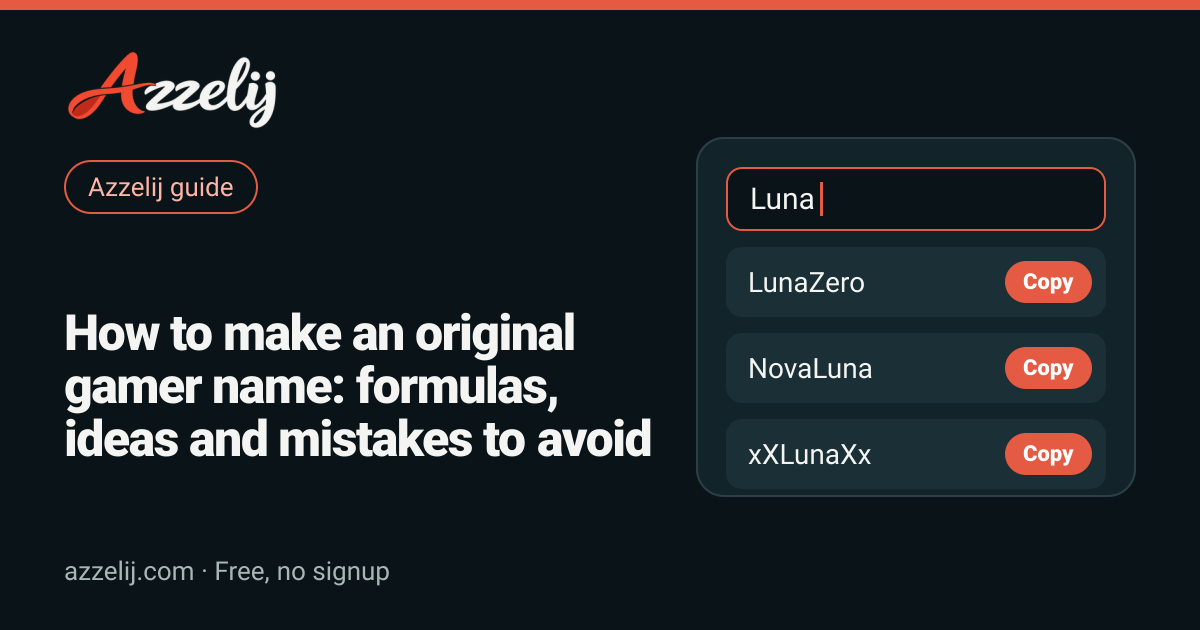
Your gamer tag is the first thing people see in the lobby, on the scoreboard and in their friends list. It is basically your face in the game, so it deserves more than five seconds of thought. The good news is that you do not need to be a poet. A couple of simple formulas and a bit of trial and error will get you a name that sounds good, sticks in people's heads and is not already taken. If you would rather start from ready-made ideas, the gamer name generator spins one word into dozens of combinations, and everything you type stays in your browser.
This guide walks you through what makes a tag work, the formulas most players use to build one from scratch, more than a hundred original examples sorted by vibe, how to fit your name to each game's rules, how to decorate it with symbols without breaking it, and the mistakes we see most often. There is a checklist at the end, because in plenty of games changing your name later is a hassle or costs you something.
What makes a good gamer tag
A gamer name does not have to be epic or wildly unusual to work. It has to be practical. Picture your squad yelling it over voice chat in the middle of a fight, someone trying to add you after a great match, or you seeing it on screen two years from now. If it survives all three, you are in good shape.
- Short: somewhere between 4 and 12 characters is usually comfortable to read on a scoreboard and to type into a friend search.
- Easy to say: if your friends cannot pronounce it, they will give you a nickname you did not pick.
- Searchable: skip combinations that blur together, like a lowercase l next to a capital I, or a zero next to an O.
- Personal: it should carry something of you, such as an animal you like, the way you play or a word you use a lot.
- Built to last: this week's joke gets old fast, while a word with character holds up for years.
| Criterion | Why it matters | Works | Better to avoid |
|---|---|---|---|
| Length | It shows in full on scoreboards and lists | Brumo | TheKingOfEveryLateNightMatch |
| Pronunciation | People can call you without spelling it out | KaiZen | Xqzhrrt |
| Readability | Nobody mixes up look-alike letters | NovaRift | lIlIlIl |
| Originality | Nobody confuses you with someone else | Duskara | ProGamer123 |
| Privacy | It gives away nothing about you | MirloVolt | Jake2009Austin |
| Respect | You will not get reported or force-renamed | SnackAttack | Any insult or slur |
Formulas for original gamer names
Most good gamer tags come from a handful of recipes. The point is not to copy anyone; it is to give your brain a starting line so you do not freeze on an empty text box. Grab one or two base words you like and run them through these formulas. You will be surprised by what comes out.
Prefix or suffix plus a word
This is the easiest formula and the one that produces the most usable results. Take a word that represents you, like Wolf, Cloud or Ember, and attach something before or after it: Neo, Ultra, Dark, Zero, Rex, Byte or Volt. Wolf becomes NeoWolf or WolfRex; Ember turns into EmberVolt. Borrowing words from another language works too. A Spanish word like Lobo or Brasa paired with an English suffix sounds fresh and is far less likely to be taken.
Compounds and blends
Smash together two words that do not usually meet and trim a little where they join. Shadow plus thunder can give you Shadunder; frost plus falcon gives Froscon. This trick literally creates new words, and a brand-new word is almost always available. Brumo comes from the Spanish word for mist, and Duskara is dusk with an ending that rolls off the tongue. The only rule is that it should sound natural when you say it.
Leetspeak: numbers for letters
Leet swaps letters for numbers or symbols that look alike: A becomes 4, E becomes 3, O becomes 0. Shadow turns into Sh4d0w and Echo into 3ch0. It has a fun retro feel, but go easy. Replace every letter and nobody will be able to search for you, and since it sounds exactly like the plain version on voice chat, your friends will keep typing it wrong. One or two swaps are plenty.
Clan tags and meaningful numbers
If you play with a regular group, a short tag in front of your name ties the team together, for example [LBX] Brumo or KZN_Mirlo. The clan name generator helps you come up with both the tag and the team name, and our full guide to clan names goes deeper. As for numbers, the rule is simple: they should mean something to you and nothing to a stranger. Your lucky number or a favorite jersey number is fine. Your birth year or zip code is not.
Examples by formula
Gamer name ideas by style
Not everyone wants the same thing. Some players want to look intimidating from the lobby, some want something soft and pretty, and some just want their squad to laugh every time they show up in the kill feed. Here are original ideas for each vibe. They are all gender-neutral, so anyone can use them as-is or as a starting point. If one clicks, change a syllable and make it fully yours.
Cool and competitive names
Cool gamer names
Aesthetic and soft names
Aesthetic gamer names
Aesthetic names look even better with gentle lettering and tiny accents. If that is your style, try the aesthetic letters page to preview your tag in different typefaces before you settle on one.
Funny names
Funny gamer names
Dark names
Dark gamer names
Short names
Three- to five-letter tags are the hardest to get because everyone wants them, but they are also the most practical. If the one you want is taken, try swapping a vowel or adding a consonant at the end before you give up on it.
Short gamer names
Need even more? The name ideas hub collects generators for other uses, and if you want something seasonal, the Halloween name generator turns out some properly spooky options this time of year.
5 steps to a memorable gamer tag
If you want a quick process that just works, follow these five steps in order. Most people skip the third and fourth ones, which is exactly how they end up with a name the game rejects or one they regret a week later.
- 1Pick a base wordSomething you like or that describes you: an animal, an element, your playstyle.
- 2Run it through a formulaPrefix, blend, light leet or clan tag. Aim for at least ten variations.
- 3Do the shout testSay each one out loud and drop anything hard to pronounce or spell.
- 4Test it in the gameCheck length, allowed characters and availability on the rename screen.
- 5Decorate lightlyAdd one or two symbols, only if the game accepts them and they still read well.
One habit that helps a lot: save your top ten candidates in a note. If your first pick is taken in one game, the second is ready to go, and over time that list becomes your personal bank of tags for every new account you open.
How to fit your tag to each game's rules
Every game decides how many characters it allows, which symbols it accepts, whether names must be unique and what a rename costs. Those rules shift with updates and can vary by region or platform, so the only reliable source is the rename screen inside the game itself. We do not check whether a name is available; only the game knows that.
To measure your tag before you paste it anywhere, run it through the character counter. It is especially handy with symbols and styled letters, since some of them look like a single character but count as two or more.
- In Free Fire and Mobile Legends, decorated tags are everywhere; just make sure the decoration does not eat the space you need for the name itself.
- In Fortnite, your visible name is usually tied to your account, so expect to see it outside of matches too.
- Roblox has both a username and a display name with different rules; double-check which one you are editing in settings.
- In Minecraft, many usernames only take letters, numbers and underscores, so the symbol-free formulas are your best bet.
- In Valorant and League of Legends, your ID carries a tag after the name, which gives you more room to reuse popular words.
How to decorate your tag with symbols safely
Fancy letters and symbols are not a new font. They are separate Unicode characters that happen to look like letters. That is why you can copy and paste them, and also why not every game accepts them and not every phone displays them the same way. For the full picture, read our guide to fancy Unicode letters.
For quick results, the name decorator shows your tag with frames, wings and accents all in one place. If you would rather pick piece by piece, symbols and decorations has a bit of everything, and crown symbols are a classic for competitive names. To restyle the whole word, gothic letters pair nicely with dark names, while bold letters stay readable on small screens.
Decorated tags (made with our converter)
Keep accessibility in mind: screen readers may read these characters strangely or skip them, and some friend searches cannot find a name written with them. If your decorated tag causes trouble, the Unicode text cleaner turns it back into plain letters.
Mistakes to avoid
A bad tag is not just ugly. It can expose you, break a game's rules or get renamed without warning. These are the most common traps.
- Sharing personal details: your full name, last name, age, birth year, city or school. Put two or three of those together and a stranger knows far too much about you.
- Impersonating someone: using the name of a streamer, pro player, brand or moderator to confuse people. Beyond being a bad look, it usually breaks the rules and can get you suspended.
- Slurs, heavy profanity or mockery: no words that attack anyone for their background, body, religion or identity. Games filter them and communities report them.
- Copying another player's tag and adding a number: it is not original and people will mix you up constantly.
- Overdoing leet or symbols: if nobody can type it, nobody can add you.
- Chasing a trend: this week's meme might make you cringe a year from now.
When in doubt, imagine your grandma, a tournament referee and your best friend reading the name at the same time. If all three are fine with it, go for it.
Checklist before you confirm your name
- Can you say it out loud without spelling it?
- Does it fit on the scoreboard and stay within the game's limit?
- Does it avoid look-alike characters such as l, I, 0 and O side by side?
- Is it free of your real name, age, city and other personal details?
- Does it stay clear of another person's, brand's or well-known creator's name?
- Did you test the plain version in the game, and is it available?
- If you decorated it, do the symbols look right on your device and on a friend's?
- Will you still like it a year from now?
If every answer is yes, you have your tag. If not, go back to the formulas, swap one piece and test again. Making a good gamer name is more about iterating than waiting for inspiration, and once you land on the right one it becomes part of you in every match.
Tools in this guide
- Gaming name generator with original ideasGenerate 16 nicknames from one word
- Decorate a name with Unicode symbolsTry decorations around your name
- Character and word counterPaste your text and see how long it is
- Original nickname and username ideasTurn one word into several name ideas
- Clan name generator for teams and guildsCombine one idea for your team
- Cool symbols to copy and decorate namesAdd one symbol without hiding the name
Frequently asked questions
How do I come up with an original tag when every idea is already taken?
Blend two words into a new one, swap a vowel or add a short suffix like Rex, Volt or Kai. Made-up words are almost always free, while common words with a number tacked on are usually long gone.
Can I use fancy letters or symbols in my gamer name?
It depends on the game. Many accept some symbols and reject others, and some only allow letters, numbers and underscores. Test the plain version first, then add the decoration on the rename screen to see whether the game accepts it.
How long should a good gamer tag be?
There is no magic number, but 4 to 12 characters tends to be comfortable: it shows in full on scoreboards, types quickly and is easy to call out on voice chat. Keep in mind that decorative symbols also count toward the game's limit.
Should I put my birth year or real name in my tag?
Better not. Strangers see your tag, and details like your age, last name or city can be pieced together with other information. If you want a number, pick one that only means something to you, like your lucky number.
Do the azzelij generators store or check the names I type?
No. The generators run inside your browser and never send your text to a server. They also do not check whether a name is free in any game; you confirm that yourself on the game's rename screen.
 Symbols for names and nicknames: how to decorate without the mess
 How to make a signature you can repeat the same way every time
 Zodiac compatibility: how it works and the most compatible signs